
Modern professional resume template
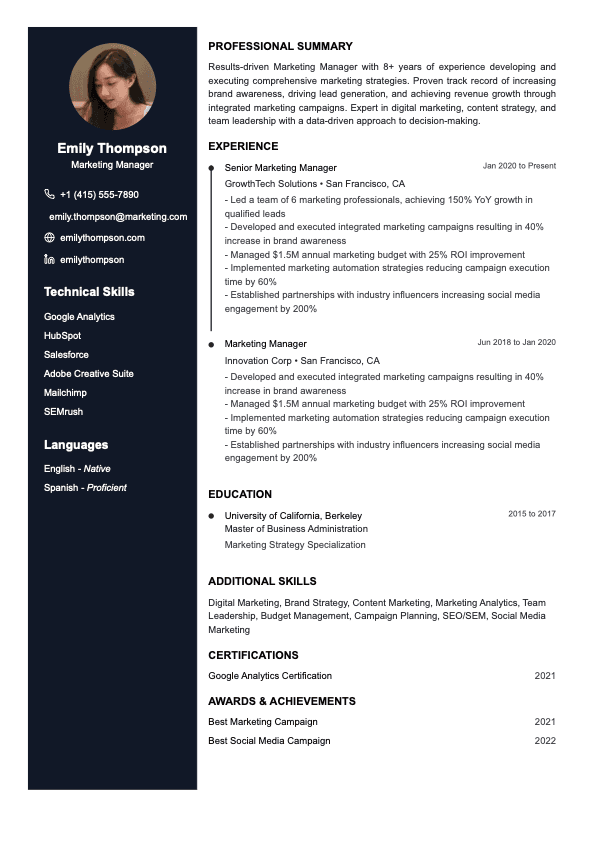
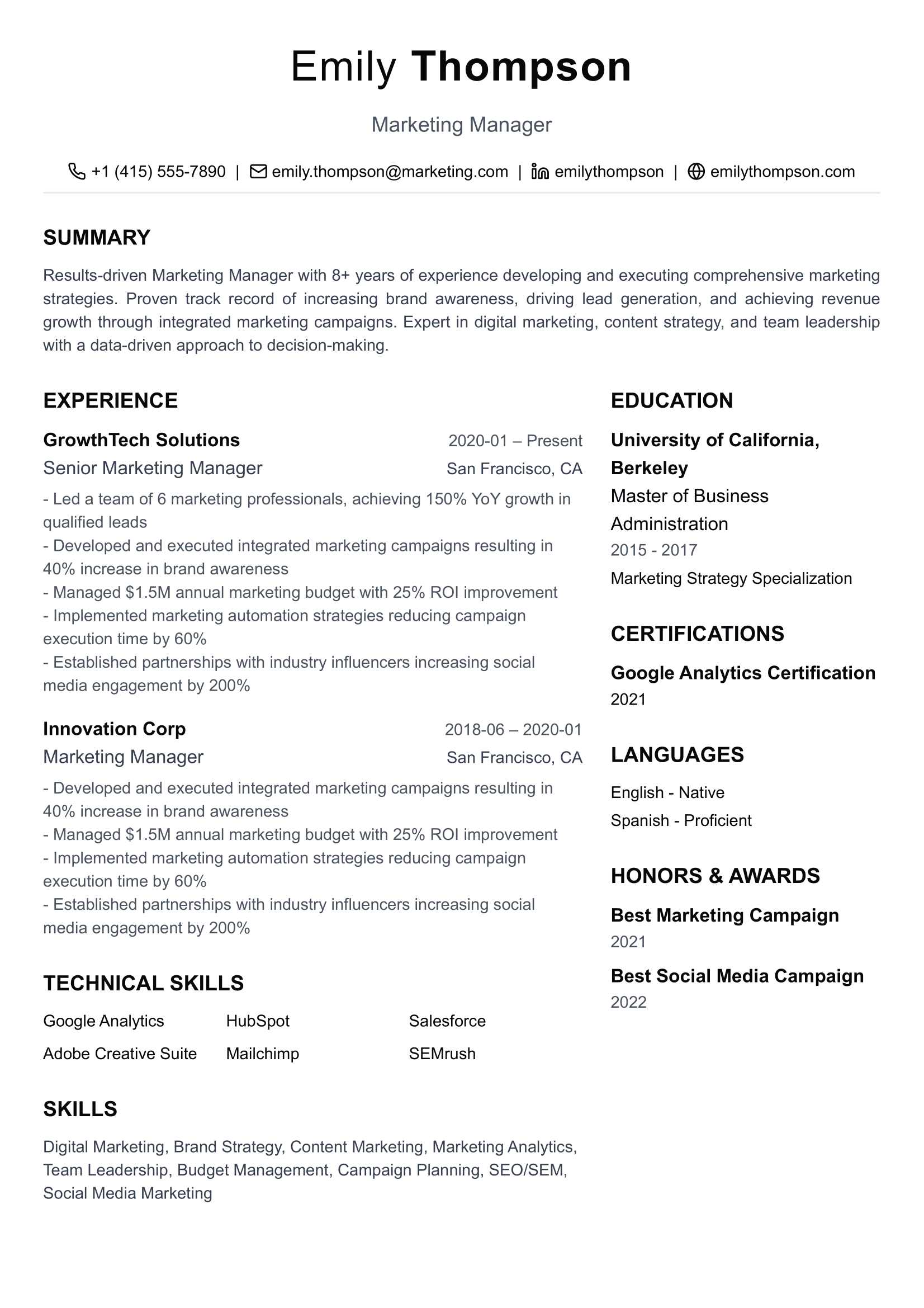
- Two columns
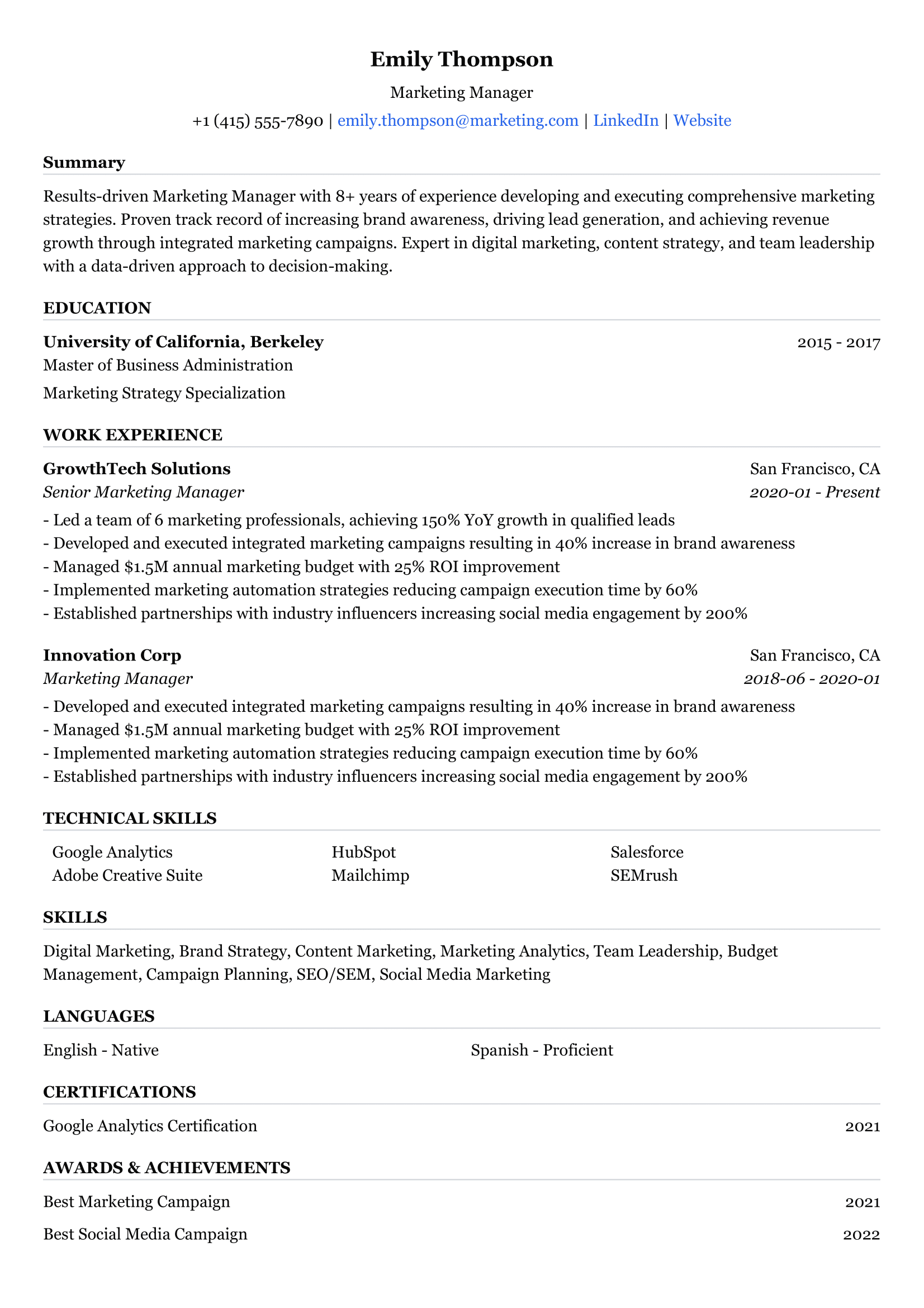
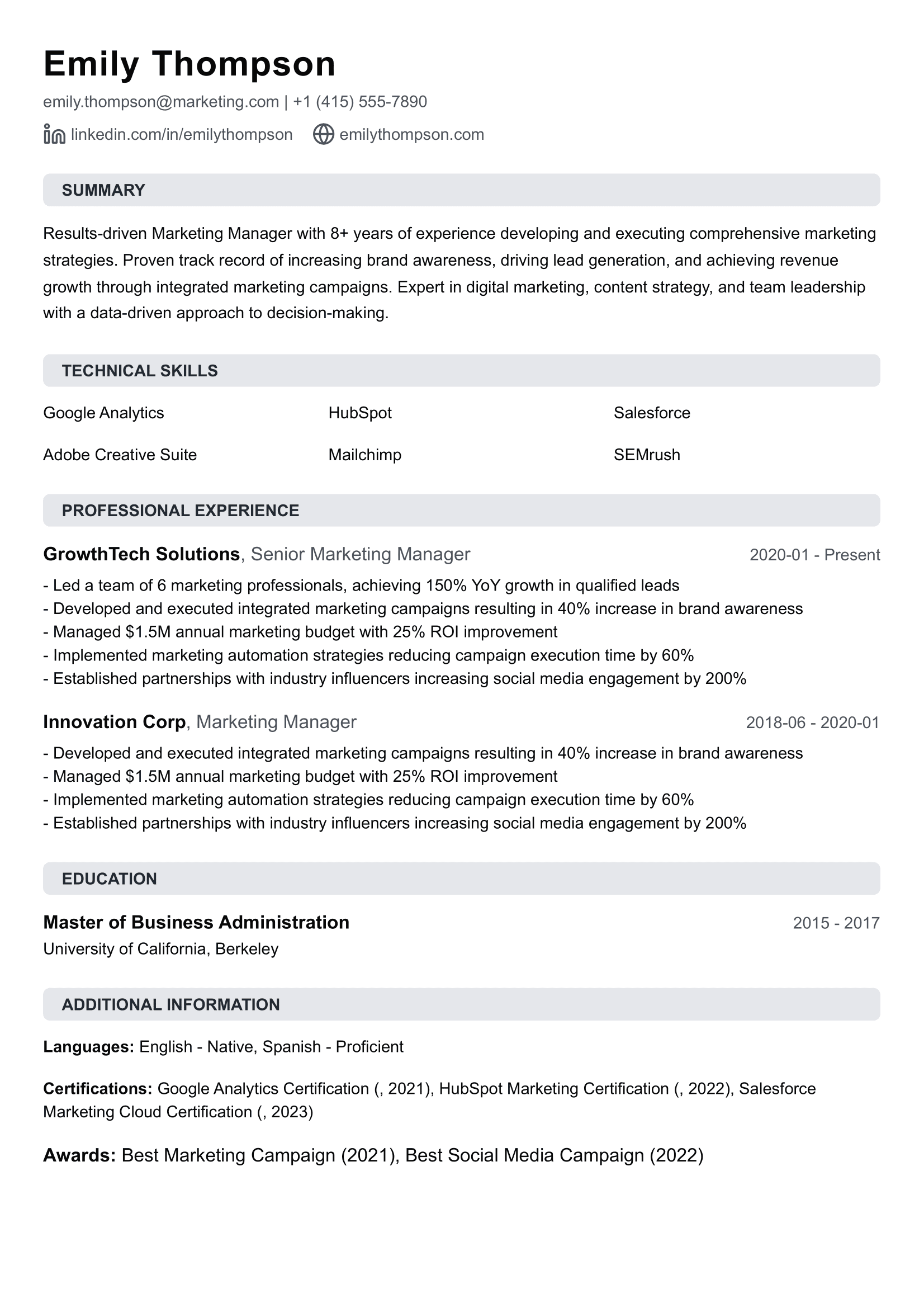
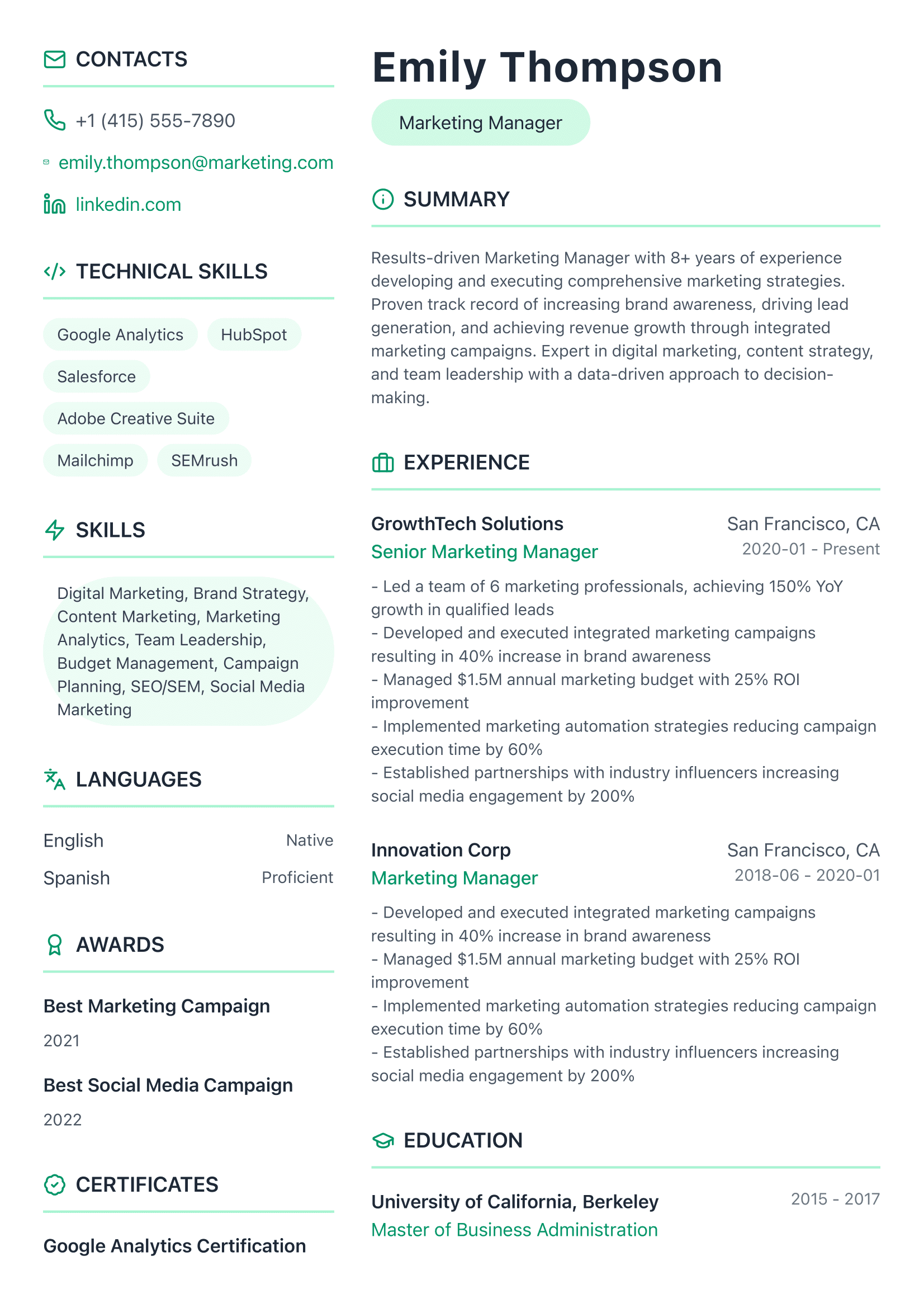
A bold, upper-case name over one line of contact details, then two columns: experience, projects and skills on the left, achievements, technical skills, certifications, education and languages in a narrower right column. It is the default template for new CVs in CVGen.
Free to use. Sign in with Google, no credit card.
Who it suits
- Mid-career and senior candidates with a solid work history and several certifications.
- Marketing, operations, project and business roles where results lead the page.
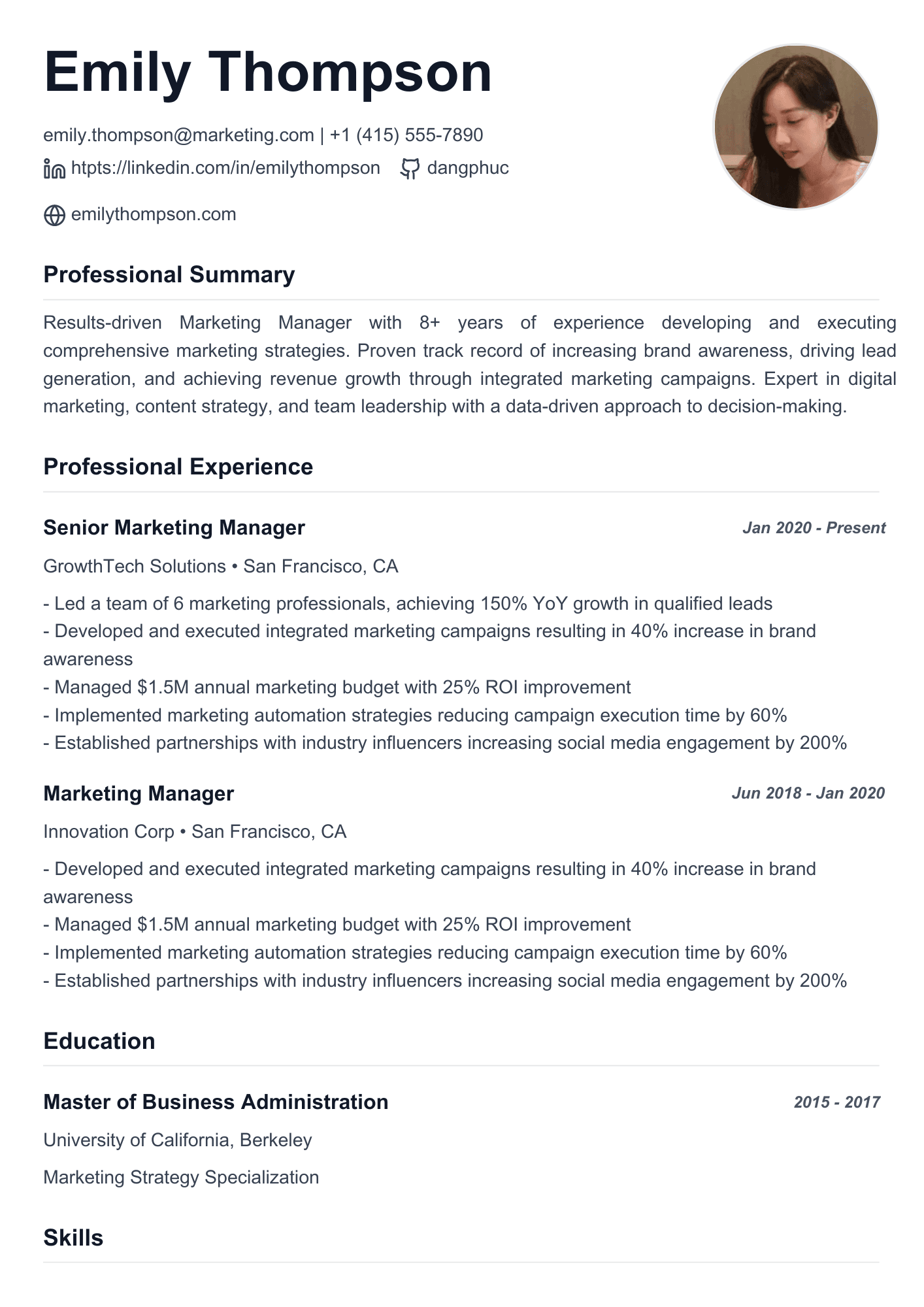
- Anyone who wants a modern look without colour blocks or a photo.
When to choose another template
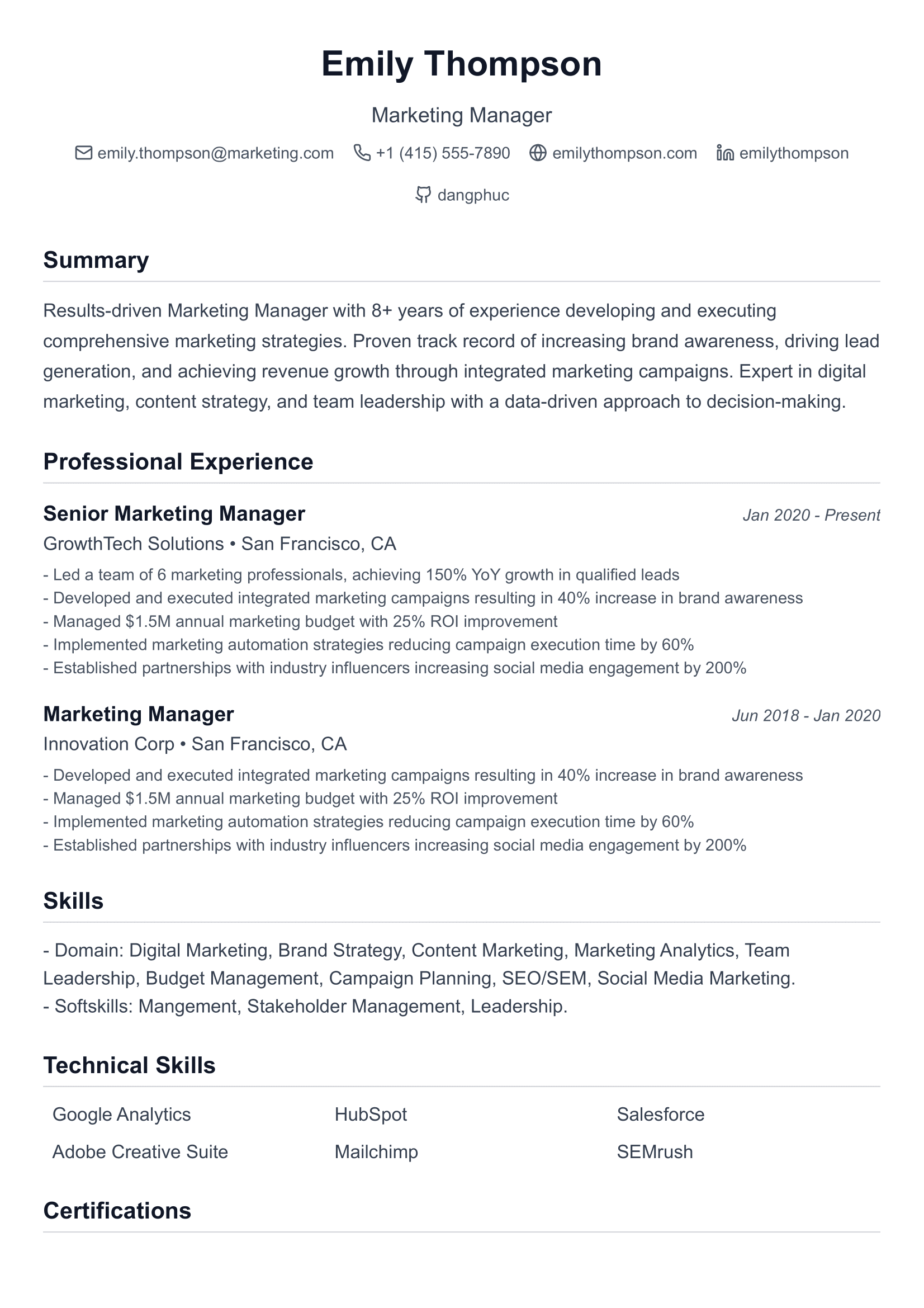
If you apply mainly through large online portals and want the safest possible parse, choose a single-column template such as Classic or Modern UX.
How it reads in applicant tracking systems
- Two columns. Most current applicant tracking systems read them, but some older parsers merge the columns line by line.
- Section titles are plain words (Experience, Education, Skills), which parsers recognise.
- No photo, icons carry no text, and every date is plain text.
Sections it prints
- 1. Summary
- 2. Experience
- 3. Projects
- 4. Skills
- 5. Professional goals
- 6. Achievements
- 7. Technical skills
- 8. Certifications
- 9. Education
- 10. Languages
Resume examples in the Modern professional template
Other templates
Put it into practice on your own resume
Import your current resume or start from a few sentences, then let AI review each section. You decide which rewrites to keep.
Free to use. Sign in with Google, no credit card.